Lab 08: Boards
Lab 8: Boards
Instructions
This worksheet serves as a guide and set of instructions to complete the lab.
- You must use the starter file, found here to get credit for the lab.
- Additionally, here is the workbook that you can read through for further context and additional (non-required) material. All material was sourced from the CS10 version of The Beauty and Joy of Computing course.
Submitting
You will need to fill in the blocks under the starter file and submit this to Gradescope.
- To receive full credit for the coding portion, you will need to complete the required blocks, and the required blocks must pass all tests from the autograder in Gradescope.
- For instructions on how to submit to labs to Gradescope, please see this page.
Please note: you must use the starter file above, and you must NOT edit the name of any of the required blocks. Failing to do either will result in autograder failure.
Objectives
In this lab, you will apply what you know about HOFs, lists, and variables to create a general game board. Our game board will visually represent data and change according to inputs. By the end of the lab, you will:
- Get more practice with lists and higher order functions used in combination.
- Develop a significant-sized project.
- Explore approaches to mouse detection without “touching” blocks.
- Build a generalized game board.
Before You Start
- The autograder contains hidden tests to ensure students do not hardcode their code to pass the tests. In both RMO of board and CMO of board, there is one test case to test your code. Please do not mess with the autograders
-
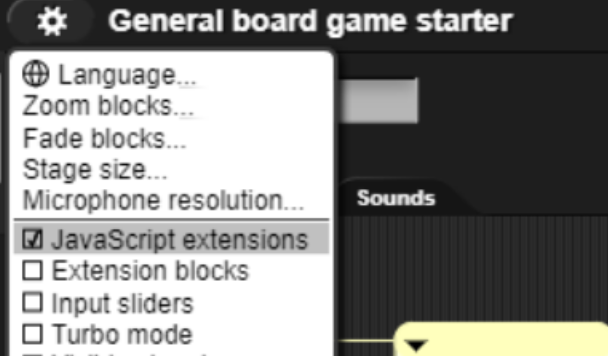
After you open the starter file, click on the settings gear on the top left of the screen, right next to the cloud icon. Click “JavaScript extensions” and make sure the box next to it is checked! You don’t need to know what that does for the purposes of this lab.
Required Blocks
- Block 1: Item (row #), (col #) of Board (list)
- Block 2: RMO of (list)
- Restriction: Recursion is not allowed
- Block 3: CMO of (list)
- Restriction: Recursion is not allowed
Important Topics mentioned in the Workbook
For better understanding of the lab we highly recommend going through these workbook pages! Topics that are important but not required for this lab will be indicated with an asterisk**. These topics are best reviewed in order and as you complete the lab.
- Making Your Own Board
- Making Your Own Board Cont
- Interacting With the Board
- Put Stuff On the Board **
- Build a Maze **
- Multiple Agents **
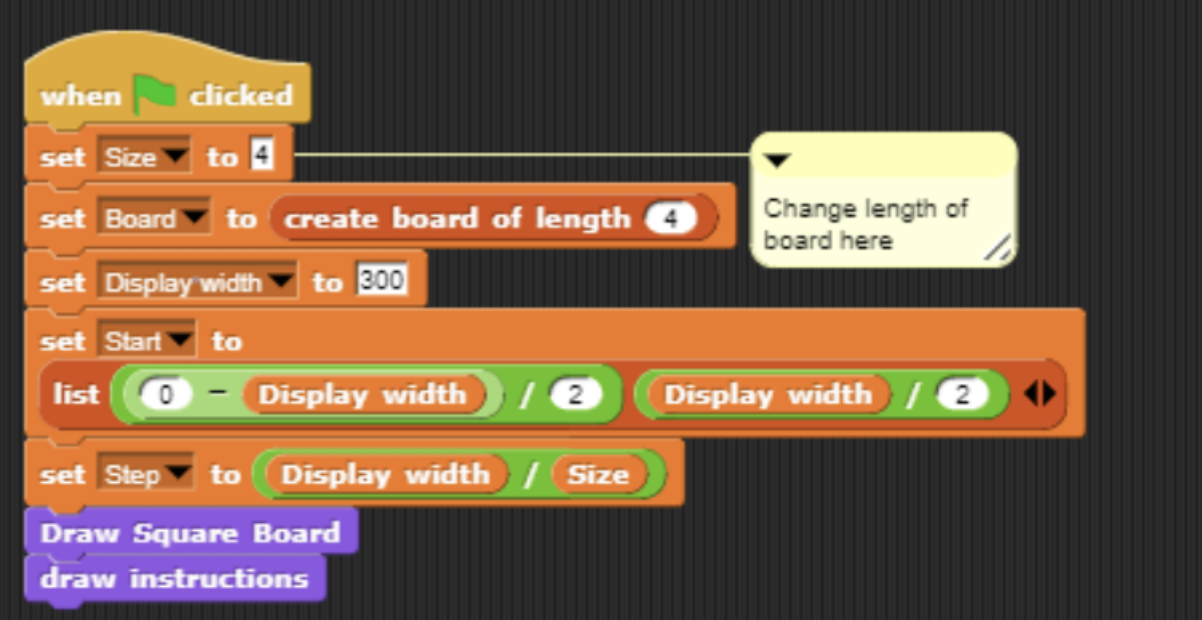
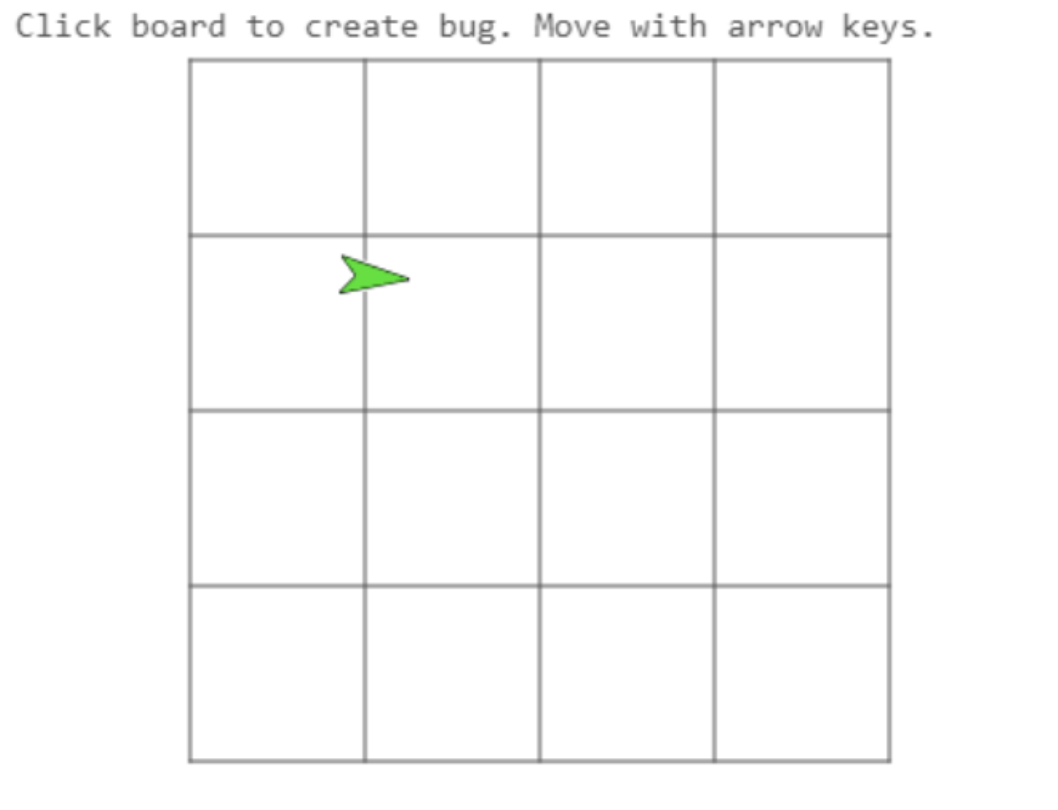
Here are some initializing statements for the Board and the resulting board:
Block 1: Item (row #), (col #) of Board (list)
Objective
- Create a procedure that when inputted two numbers and a list, reports the item/value in row, col of Board.
- The Board is a 2D list of lists.
Inputs
- (row #) = any number
- (col #) = any number
- Note: although row and column can be any number, we expect these values to be a positive, non negative integer
- Board = a 2D list (list of lists)
Output
- Reports: Text/Number
- This block should report the value of the item in board at a certain coordinate (row, col)
Examples
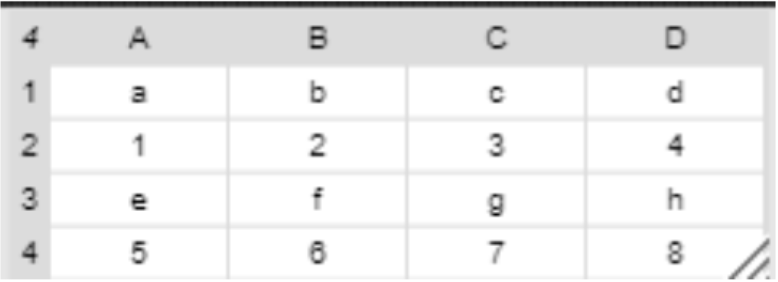
- Using this Board:


Block 2: RMO of (list)
Objective
- Implement the RMO of the board block. The input is a 2D board of size NxN (N rows, N columns). The output is a 1D list in row-major order. the first N items of the list will be the entries in row 1. The next N items will be the entries in row 2, and so on.
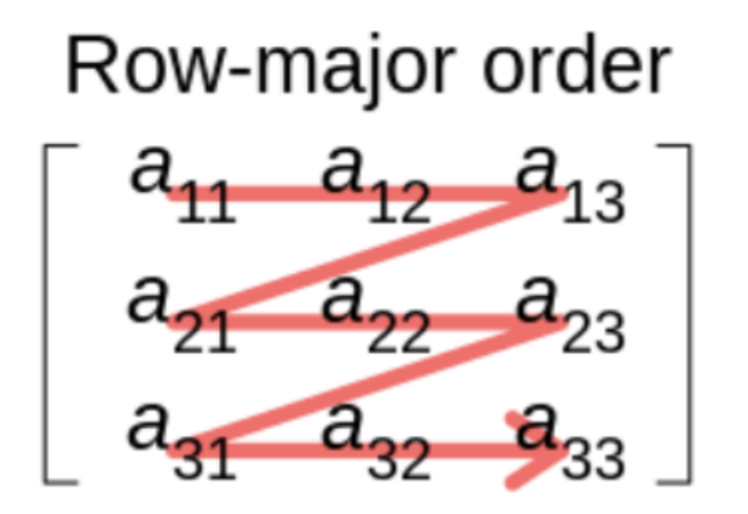
Inputs
- Board = list
- A list of lists. N by N square (N rows and N columns). The board has values.
Output
- Reports: List
- The block reports a 1D list with all values inside of the board in Row-Major Order
Examples
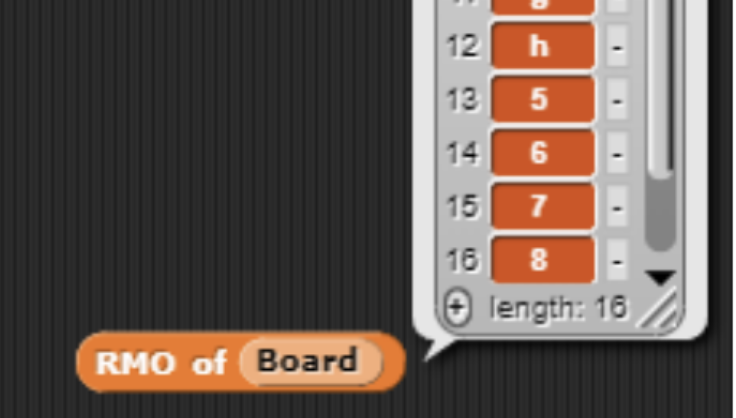 (RMO of previous board)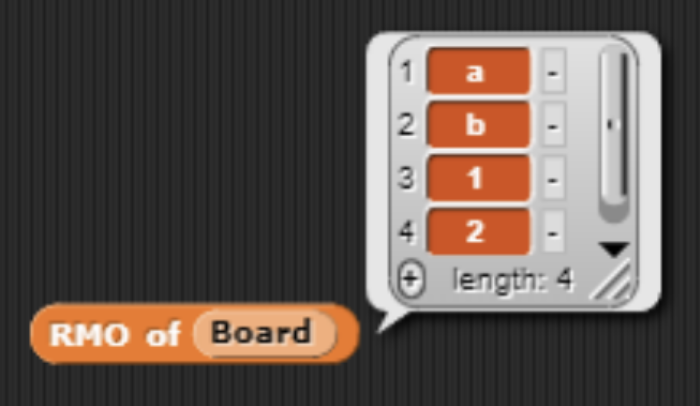
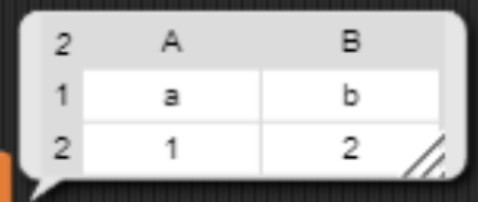 (RMO of this board)
Block 3: CMO of (list)
Objective
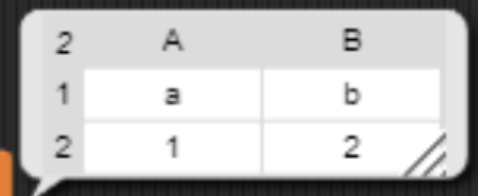
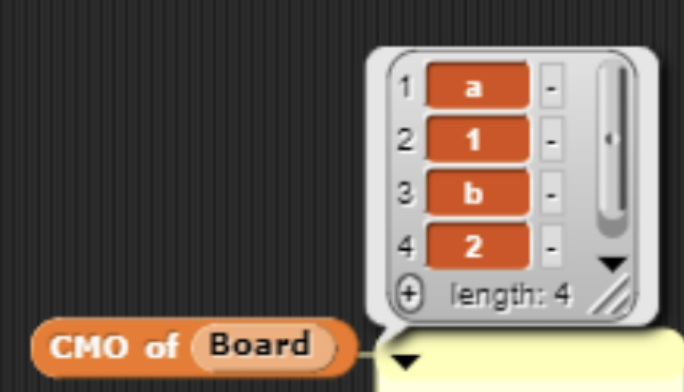
- Implement the CMO of the board block. The reporter takes in a 2D board of size NxN (N rows, N columns). The output is a 1D list in column-major order. The first N items of the list will be the entries in column 1, across all rows.
Inputs
- Board = list
- A list of lists. N by N square (N rows, N columns)
Output
- Reports a 1D list in column-major order
Examples
You can always check the validity of your solutions by using the local autograder. Remember to submit on Gradescope!